8GB / 12GB / 16GB+ Verified Apr 2026 Official + Benchmarked

// GPU Tier Guide

Pragmata GPU Tier Guide

This page answers the practical question most PC players actually have: what settings make sense for an 8GB card, when does 12GB start to matter, and when does 16GB+ become the realistic class for Path Tracing instead of wishful thinking.

The tier split below is an evidence-based interpretation of Pragmata's official Steam requirements plus launch-week PC testing. It is meant to get you close fast, not trap you in one brittle copy-paste preset.

8GB Baseline

1080p raster first

12GB Shift

RT or cleaner 1440p

16GB+ Target

PT with DLSS help
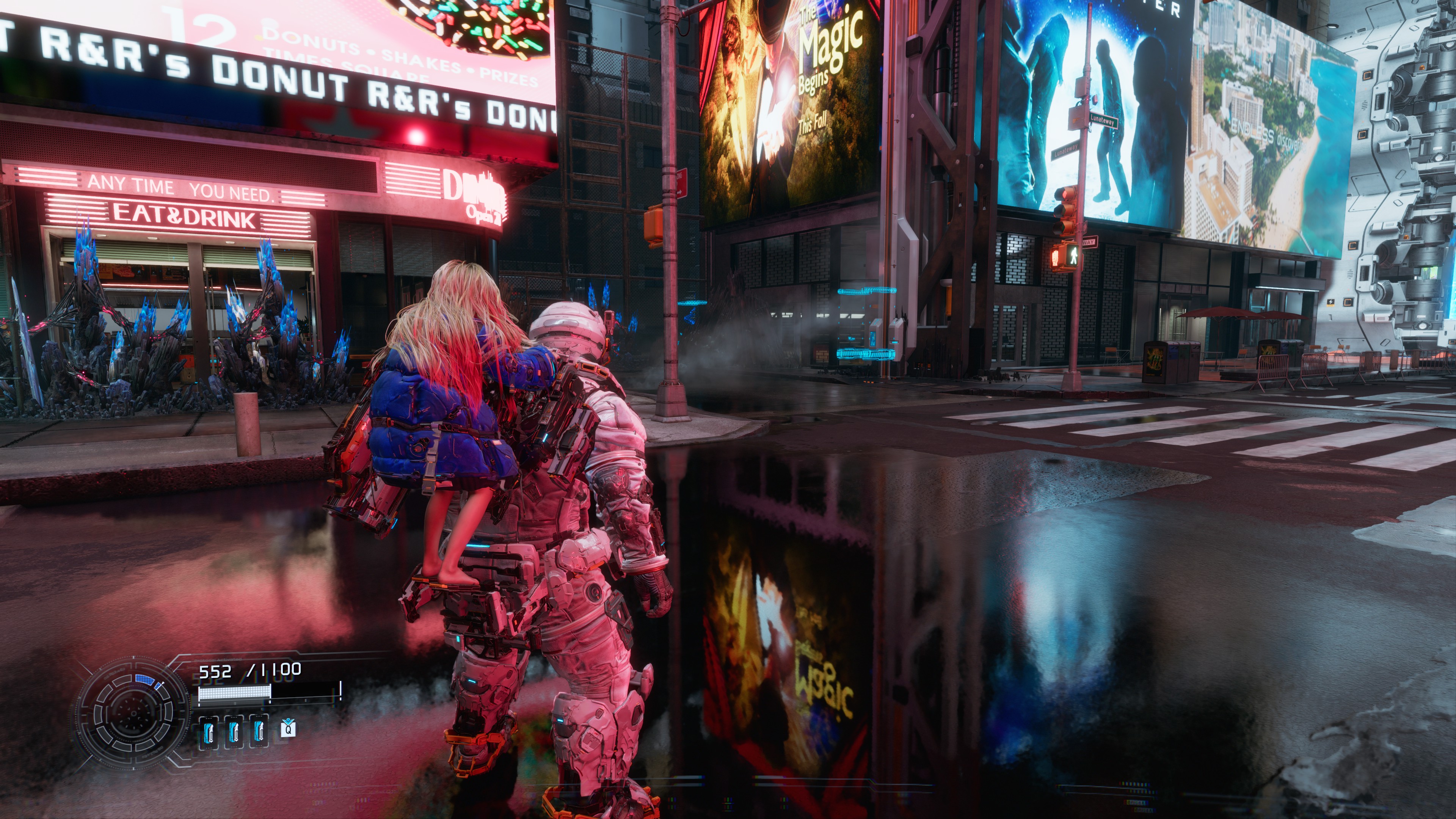
Pragmata benchmark screenshot comparing raster rendering and ray tracing behavior on PC
The cleanest first decision is still simple: decide whether your GPU tier should live in raster, RT, or PT land.

// Official Floor

Why The VRAM Split Exists At All

Mode Official GPU Class VRAM Practical Reading
Minimum GTX 1660 / RX 5500 XT 6GB / 8GB Steam ties this to 1080p/60 on the Performance preset, which is why 8GB-class advice should stay conservative.
Recommended RTX 2060 Super / RX 6600 8GB Still a raster-first class, but much more comfortable for 1080p and some lighter 1440p compromises.
Ray Tracing RTX 3060 / RX 6700 XT 12GB This is the first official point where Pragmata clearly moves beyond an 8GB recommendation.
Path Tracing RTX 4070 Ti Super / RTX 5080 16GB NVIDIA's own PT guidance and launch-week benchmarks both treat this as high-end territory that leans on DLSS and frame generation.
Best way to read this page: treat VRAM as a useful shortcut for the kind of settings budget you have, not as the only thing that matters more than raw GPU speed.

// 8GB Tier

Best Settings For 8GB GPUs

If your card sits in the broad GTX 1660 to RTX 2060 Super / RX 6600 class, the safest plan is still 1080p, raster first, Ray Tracing off. Steam's baseline already frames this part of the stack around performance-oriented presets, and launch-week testing keeps showing that PT is where 8GB cards fall out of the comfortable zone fastest.

In practice, 8GB is the tier where you should protect frame pacing before chasing extra lighting. If the game looks good but feels uneven, RT is the first thing to cut, not the last.

8GB Starting Preset

  • Resolution target: 1080p
  • Lighting target: Raster only
  • Upscaling: Balanced first, then Quality if headroom exists
  • Lower first: Ray Tracing, shadows, volumetrics
  • Avoid as a default: Path Tracing

Who This Tier Fits

  • Players targeting a stable first playthrough instead of screenshot settings.
  • Cards that match or only modestly exceed Steam's minimum and recommended GPU classes.
  • Anyone who wants 60 FPS behavior to feel normal before experimenting with heavier features.
Do not read official RT support as an 8GB promise.
Pragmata's own RT recommendation already moves to 12GB cards, which is a good clue that 8GB is better spent on a cleaner raster setup.

// 12GB Tier

Best Settings For 12GB GPUs

12GB is where Pragmata starts feeling less like a strict compromise page and more like a real tuning page. Steam's official RT recommendation lands here, and launch-week testing from Tom's Hardware repeatedly shows 12GB and 16GB cards separating from smaller VRAM cards at 1440p, especially once RT enters the conversation.

This does not mean every 12GB card is suddenly a PT machine. It means 12GB is the first tier where 1440p raster, selective RT use, and a cleaner image target start to feel reasonable without immediately collapsing into troubleshooting mode.

12GB Starting Preset

  • Resolution target: 1080p high quality or 1440p balanced
  • Lighting target: RT is optional, not mandatory
  • Upscaling: Quality first, step down only if you need it
  • Best use case: clean raster or selective RT
  • Still risky as a default: Path Tracing
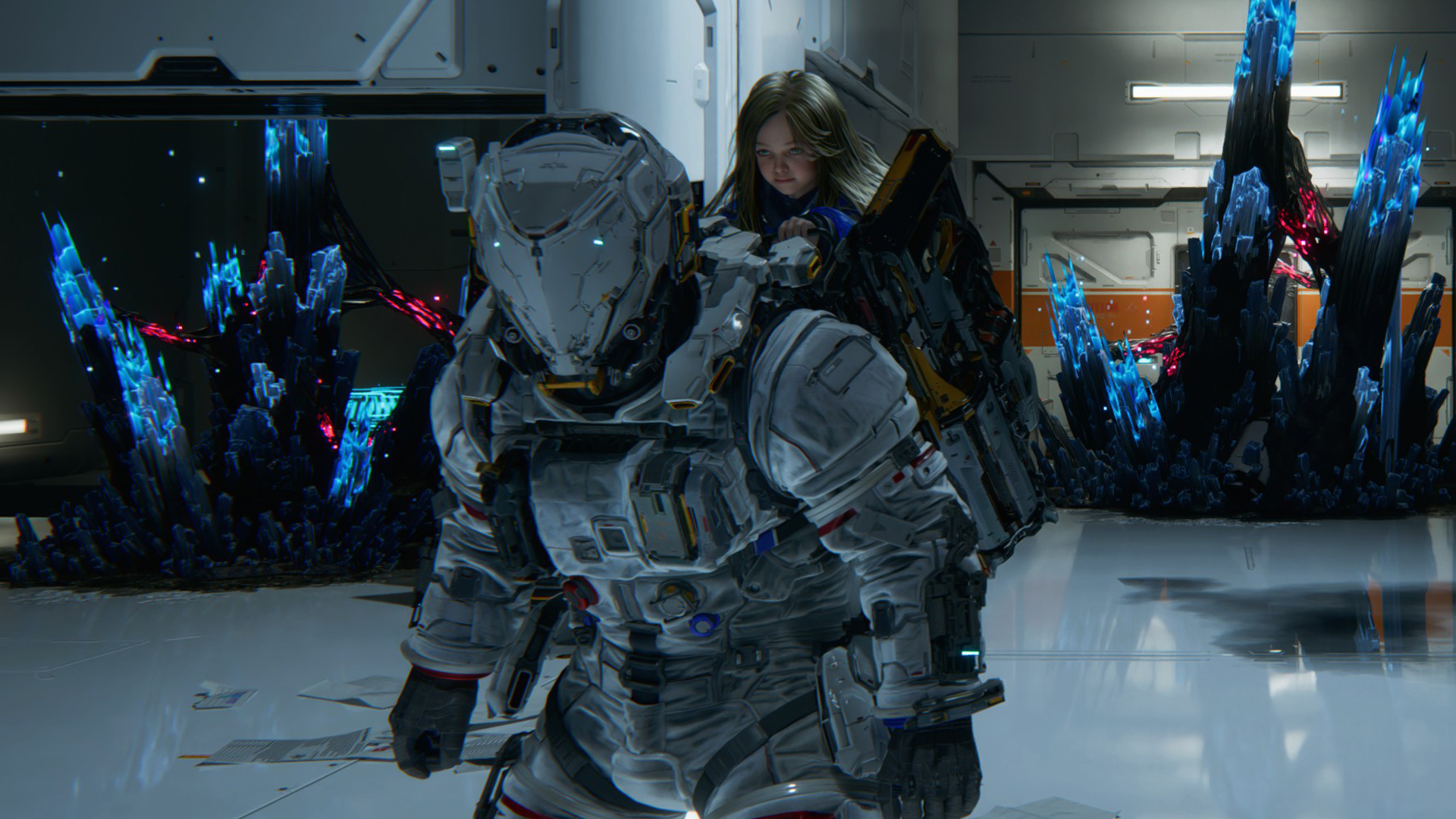
Pragmata benchmark screenshot used to illustrate the performance cost of path tracing on PC
Path Tracing can look meaningfully better, but this is also where launch-week testing shows the sharpest performance tax.
Good rule of thumb:
If you have 12GB, start by building the best raster or light-RT setup you can actually hold, then treat PT as a separate experiment rather than the default plan.

// 16GB+ Tier

Best Settings For 16GB+ GPUs

The Real PT Entry Point

NVIDIA's own PT guidance starts at the RTX 4070 Ti Super 16GB class for 1440p-style play and climbs to the RTX 5080 16GB class for a higher-end PT target. That lines up with independent testing, which treats PT as an enthusiast feature instead of a normal preset.

What 16GB Buys You

This tier is where you can more realistically combine 1440p, heavier RT/PT options, and cleaner texture or lighting choices without the whole setup feeling fragile.

What It Still Does Not Buy

It does not make native PT free. Launch-week coverage still expects you to lean on DLSS and, on supported RTX cards, Frame Generation.

16GB+ Starting Preset

  • Resolution target: 1440p quality or 4K raster
  • Lighting target: RT is realistic, PT is situationally realistic
  • Upscaling: DLSS or FSR should still be part of the plan
  • Best use case: high-end raster, serious RT, or PT experiments
  • If PT feels noisy or unstable, a premium raster or RT setup may still be the better play.
  • For Intel Arc, troubleshoot the platform first on the Intel Arc fixes page.

// Fast Tuning

What To Lower First

1

Ray Tracing

The biggest practical off-switch if your current tier feels too ambitious.

2

Upscaling Mode

Balanced is usually a safer early move than gutting lots of smaller settings.

3

Shadows

A clean place to claw back headroom without flattening the whole image.

4

Volumetrics

Worth trimming before you start throwing away texture clarity on stronger cards.

// Vendor Notes

DLSS, FSR, And Why PT Is Not A Free Toggle

NVIDIA

NVIDIA's launch coverage positions Pragmata as a DLSS 4 + Multi Frame Generation + Ray Reconstruction + Path Tracing showcase. That is a useful signal: PT in this game is built around RTX-specific assistance, not around native brute force alone.

AMD And Arc Reality

Pragmata also ships with AMD FSR upscaling, which matters if you are not on RTX hardware. If you are on Intel Arc, get your driver and platform baseline sorted first, then come back and tune by tier.

Practical takeaway:
PT can be beautiful, but the most dependable "best settings" answer for most players is still a strong raster or light-RT configuration that stays smooth.

// Related Guides

Continue With Related Pages

// FAQ

GPU Tier Guide FAQ

Is 8GB VRAM enough for Pragmata on PC?

Yes, but the safest target is still a 1080p raster setup with Ray Tracing off. Steam's baseline and launch-week testing both point 8GB-class cards toward a more conservative performance-first configuration.

When does 12GB VRAM matter in Pragmata?

12GB matters much more once you step into Ray Tracing, higher 1440p targets, or heavier texture and lighting combinations. Pragmata's official RT recommendation already moves into 12GB-class cards.

Do I need 16GB VRAM for Path Tracing in Pragmata?

For a realistic Path Tracing setup, 16GB-class RTX hardware is the safer starting point. Official NVIDIA guidance and independent launch-week benchmarks both treat PT as a high-end feature that still depends heavily on DLSS and frame generation.

What setting should I lower first in Pragmata?

Turn Ray Tracing off first if you need a quick win. After that, shadows, volumetrics, and upscaling mode are the most practical levers before you start trimming lots of smaller options.