4K / RT / PT Verified Apr 2026 Official + Benchmarked

// 4K Settings

Pragmata 4K Settings

This page is for the specific PC question that sits above general optimization: what is the best 4K setup in Pragmata, when is native 4K actually sensible, and when should you stop pretending 4K Path Tracing is a normal default.

The short answer is that most high-end systems get the best overall result from upscaled 4K plus either strong raster settings or selective RT. PT remains a showcase mode, not the universal recommendation.

Safest 4K Bet

Upscaled 4K raster

4K RT Ceiling

High-end with DLSS or FSR

4K PT Reality

Showcase mode with heavy help
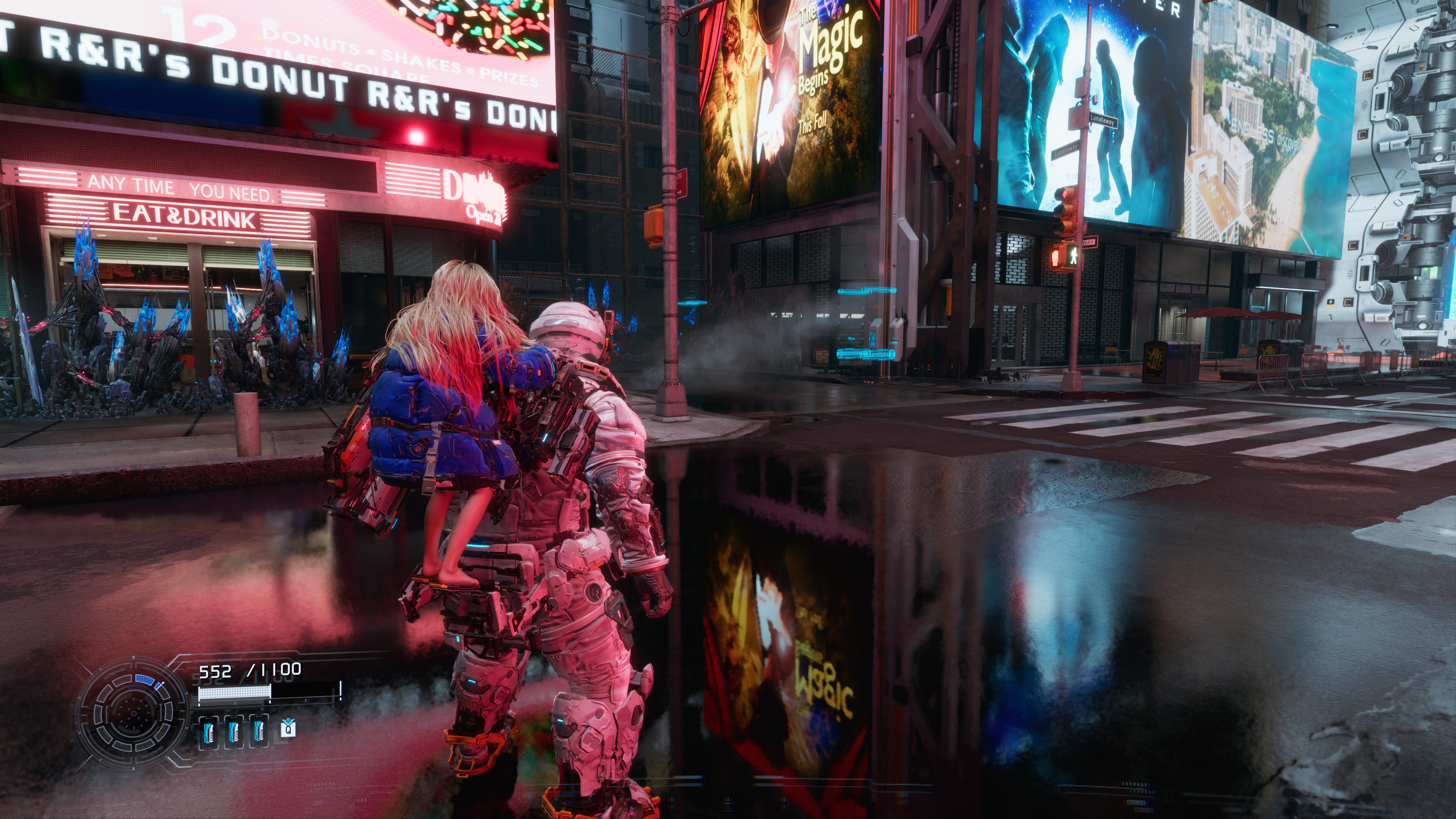
Pragmata PC screenshot used for a 4K settings guide hero image
At 4K, the real decision is not just image quality. It is whether you want premium raster, practical RT, or a PT showcase stack.

// 4K Overview

4K At A Glance

Mode Best Fit What The Evidence Suggests Recommendation
Native 4K Raster Top-end GPUs Independent testing shows 4K without upscaling is mostly a high-end-only comfort zone, even before PT enters the picture. Use if you already have excess headroom and want the cleanest baseline.
Upscaled 4K Raster Most high-end PCs It preserves a premium image while freeing enough headroom to avoid constant compromise elsewhere. Best default recommendation.
4K Ray Tracing High-end cards with upscaling Current coverage treats standard RT as much more practical than PT, but still not something every 4K setup should run natively. Worth trying after raster feels stable.
4K Path Tracing Enthusiast RTX setups NVIDIA and benchmark coverage both frame PT around DLSS, Ray Reconstruction, and frame generation rather than native brute force. Use as a showcase setting, not a universal goal.

// Resolution Strategy

Native 4K Vs Upscaled 4K

If you care about the best all-around 4K experience, the evidence leans away from a stubborn native-or-bust mindset. Tom's Hardware and DSOGaming both show that Pragmata becomes dramatically more expensive once you push into the heaviest lighting paths, especially PT.

That is why this page treats upscaled 4K as the practical sweet spot. It keeps the image sharp enough for a 4K display while protecting your budget for shadows, textures, RT, or simply cleaner frame pacing.

Use native 4K when you already know your card has headroom. Use upscaled 4K when you want the strongest total package.
Pragmata gameplay screenshot representing a high-end raster or ray traced 4K setup
For most 4K players, a premium raster image with smart upscaling is a better first target than a purity test.

// Best 4K Raster

Best 4K Raster Settings

Start Here First

For a lot of expensive rigs, the best 4K preset is still just a very strong raster setup with no RT overhead. This gives you the cleanest route to stable performance and the least dependence on reconstruction tricks.

Use Upscaling Intelligently

Pragmata supports DLSS Super Resolution and AMD FSR upscaling, which makes a high-quality upscaled 4K image far easier to justify than brute-force native rendering.

Protect The Big Levers

If you need more headroom, change upscaling mode, shadows, or volumetrics before you start flattening everything else.

Best default: 4K output, upscaling enabled, raster first, and only move upward from there if the frame rate margin is obviously healthy.
Pragmata benchmark screenshot representing path tracing and heavier lighting on a high-end PC
The visual gain from heavier lighting is real, but at 4K the cost jumps fast and PT especially stops being casual.

// 4K Lighting

Best 4K RT Settings

Officially, Pragmata's RT requirements already step up to RTX 3060 12GB or RX 6700 XT 12GB. That is a useful signal for 4K players too: RT is not the place to act as if VRAM and bandwidth do not matter.

The more practical 4K RT path is to start from a good upscaled raster base, then test whether standard RT still feels smooth enough for your tolerance. Current launch-week coverage is unusually consistent that standard RT is much more realistic than PT.

Use 4K RT when: you want better lighting and reflections, you already accept upscaling, and you still have comfortable headroom after raster tuning.

// Path Tracing

When 4K PT Is Actually Worth It

Worth It

  • You are on a high-end RTX card and already accept DLSS, Ray Reconstruction, and Frame Generation.
  • You care more about image fidelity than latency purity.
  • You are treating PT as a premium showcase mode, not the mandatory baseline.

Maybe Not

  • You want native 4K without help from upscaling or frame generation.
  • You are sensitive to extra latency or reconstruction artifacts.
  • You mainly want a smooth first playthrough rather than a screenshot-heavy setup.

What Benchmarks Imply

Tom's Hardware and DSOGaming both treat native 4K PT as a brutal target, even on ultra-high-end hardware. That is the clearest reason to recommend PT as an optional destination instead of the default answer.

// Best Fit

Best 4K Setup By GPU Class

12GB Class

Do Not Force 4K RT

Official RT support starts here, but that does not magically make 4K RT the smart answer. For this class, the safer play is still upscaled 4K raster or a cleaner 1440p RT setup from the GPU tier guide.

Best fit: image-quality-first raster, not a prestige RT toggle.

16GB RTX Class

Best Overall 4K Zone

This is the class where upscaled 4K RT starts to feel genuinely reasonable, and where PT becomes a serious experiment instead of pure fantasy.

Best fit: upscaled 4K raster by default, 4K RT next, PT only if the whole stack feels comfortable.

5080 / 5090 Class

Native 4K Finally Makes Sense

This is where native 4K raster and heavier lighting modes are most plausible, but even here, native 4K PT is still a very expensive target in independent testing.

Best fit: native 4K raster or upscaled 4K PT, depending on whether you value responsiveness or spectacle more.

// Practical Answer

When Raster Is Still Better At 4K

Raster Wins On Cleanliness

  • Lower latency. You stay less dependent on frame generation and reconstruction layers.
  • Simpler tuning. You can spend your time dialing image quality instead of rescuing one prestige setting.
  • Broader GPU sanity. It is the only 4K target that still scales down gracefully.

Raster Also Avoids Forced Trade-Offs

  • PT is not free quality. It asks for a whole support stack and still carries a heavy cost.
  • RT can be a narrower upgrade. It is often a good addition, but not always the best use of 4K budget.
  • A premium raster image is already strong. That matters more than checkbox prestige for a lot of players.

// Related Guides

Continue With Related Pages

// FAQ

4K Settings FAQ

Is native 4K practical in Pragmata?

It can be practical for raster on top-end GPUs, but native 4K path tracing is a much harsher target. For most high-end PCs, upscaled 4K is the safer recommendation.

Should I use 4K ray tracing or 4K path tracing?

For most players, 4K ray tracing is the more realistic ceiling. Path tracing looks better, but it is still the more demanding enthusiast option.

What is the best 4K setup for most high-end PCs?

Upscaled 4K with strong raster settings or selective RT is the most dependable answer. It gives you a premium image without turning the rest of the settings menu into repair work.

Does 4K path tracing make sense without DLSS or frame generation?

Usually not. Current official guidance and benchmark coverage both treat PT as a feature that benefits heavily from DLSS, Ray Reconstruction, and frame generation.