Raster / RT / PT Verified Apr 2026 Official + Benchmarked

// RT vs PT

Pragmata RT vs PT

The short version is easy: Path Tracing looks better, Ray Tracing is much easier to run, and plain raster is still the smartest default for a lot of PCs. This page is about the practical gap between those three choices, not the marketing version.

Current coverage is unusually consistent on two points: Pragmata's standard RT mode is relatively usable, while PT is a much heavier mode that makes the most sense on higher-end RTX hardware with upscaling and frame generation already on the table.

Safest Default

Raster first

Most Practical Ceiling

Selective RT

Enthusiast Mode

PT with DLSS help
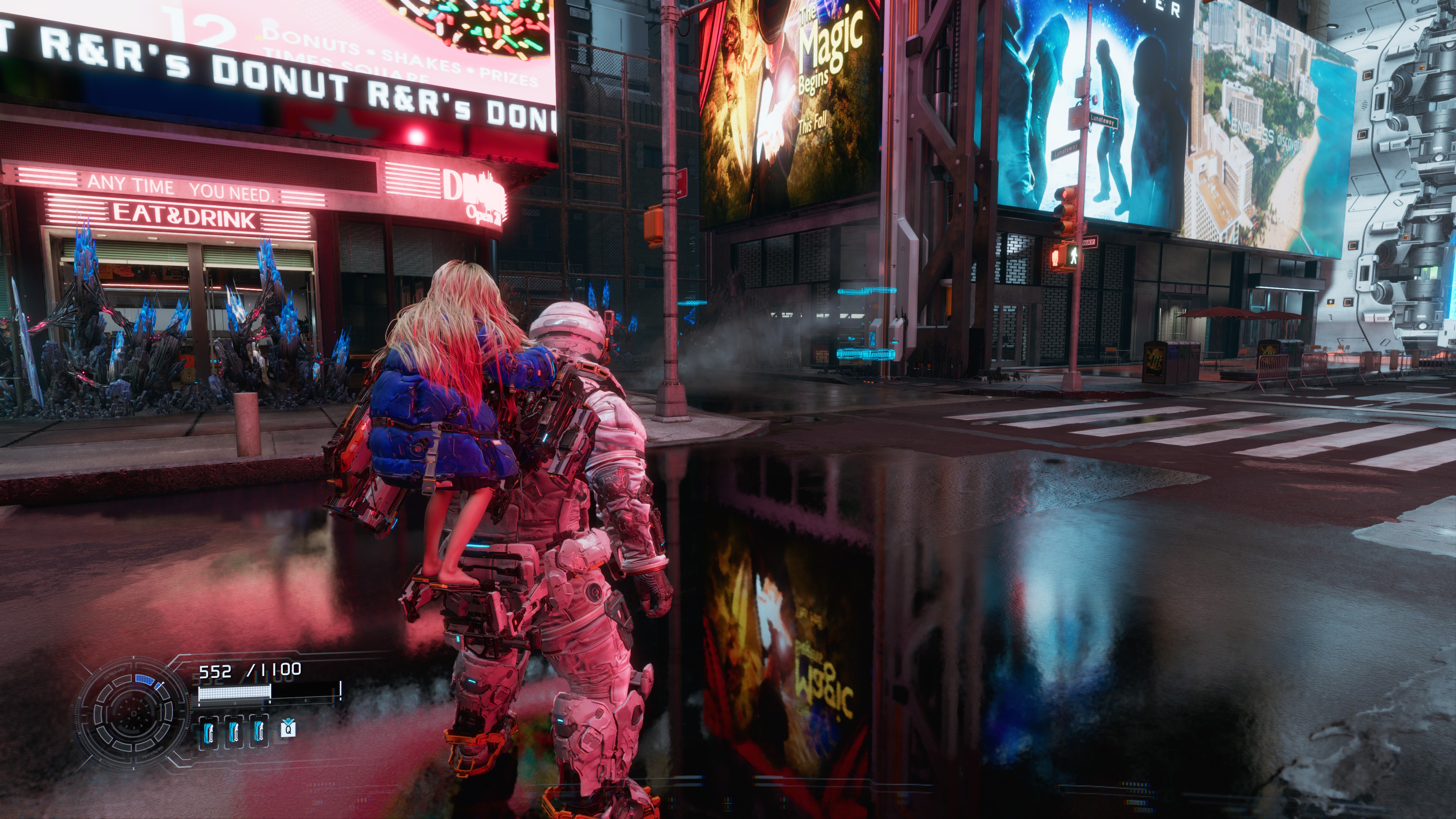
Pragmata PC screenshot used to compare raster rendering and standard ray tracing
In Pragmata, the important question is not whether PT looks better. It does. The real question is whether it is worth the cost on your hardware.

// Quick Comparison

RT vs PT At A Glance

Mode What It Improves What It Costs Best Fit
Raster The simplest path to stable image quality and predictable performance. Lowest lighting and reflection realism of the three, plus more visible screen-space artifacts in some scenes. Most 8GB cards, stability-first builds, or anyone chasing a clean 60 FPS baseline.
Ray Tracing Better reflections and cleaner handling of several raster image issues, with a much lighter cost than PT. Still expensive enough to matter, and Tom's notes that some new reflections can look faint or blobby. 12GB-class cards, stronger 1440p rigs, or players who want extra fidelity without jumping to a full PT workflow.
Path Tracing The biggest image-quality jump: better shadows, reflections, ambient occlusion, and global illumination. A dramatically heavier mode that current guidance treats as dependent on DLSS, Ray Reconstruction, and often frame generation. Higher-end RTX setups where image quality is the priority and latency trade-offs are acceptable.

// Image Quality

Visual Difference

Ray Tracing Fixes Some Real Raster Problems

Tom's Hardware found that Pragmata's base raster image can look noisy or fuzzy, especially in shiny scenes. Standard RT helps clean up a lot of that and removes several screen-space reflection errors, which is why it can look like a good middle ground even before PT enters the conversation.

Path Tracing Is The Real Lighting Showcase

Tom's and NVIDIA both line up here: PT is the mode where shadows, reflections, ambient occlusion, and global illumination start looking materially better, not just a little cleaner. PC Gamer's own side-by-side screenshots reached the same broad conclusion.

But RT Is Not Automatically "Bad"

PC Gamer's practical read is useful here: PT clearly looks better, but the regular RT image still looks strong enough that many players will prefer the extra headroom. In other words, RT is a compromise, not a failed mode.

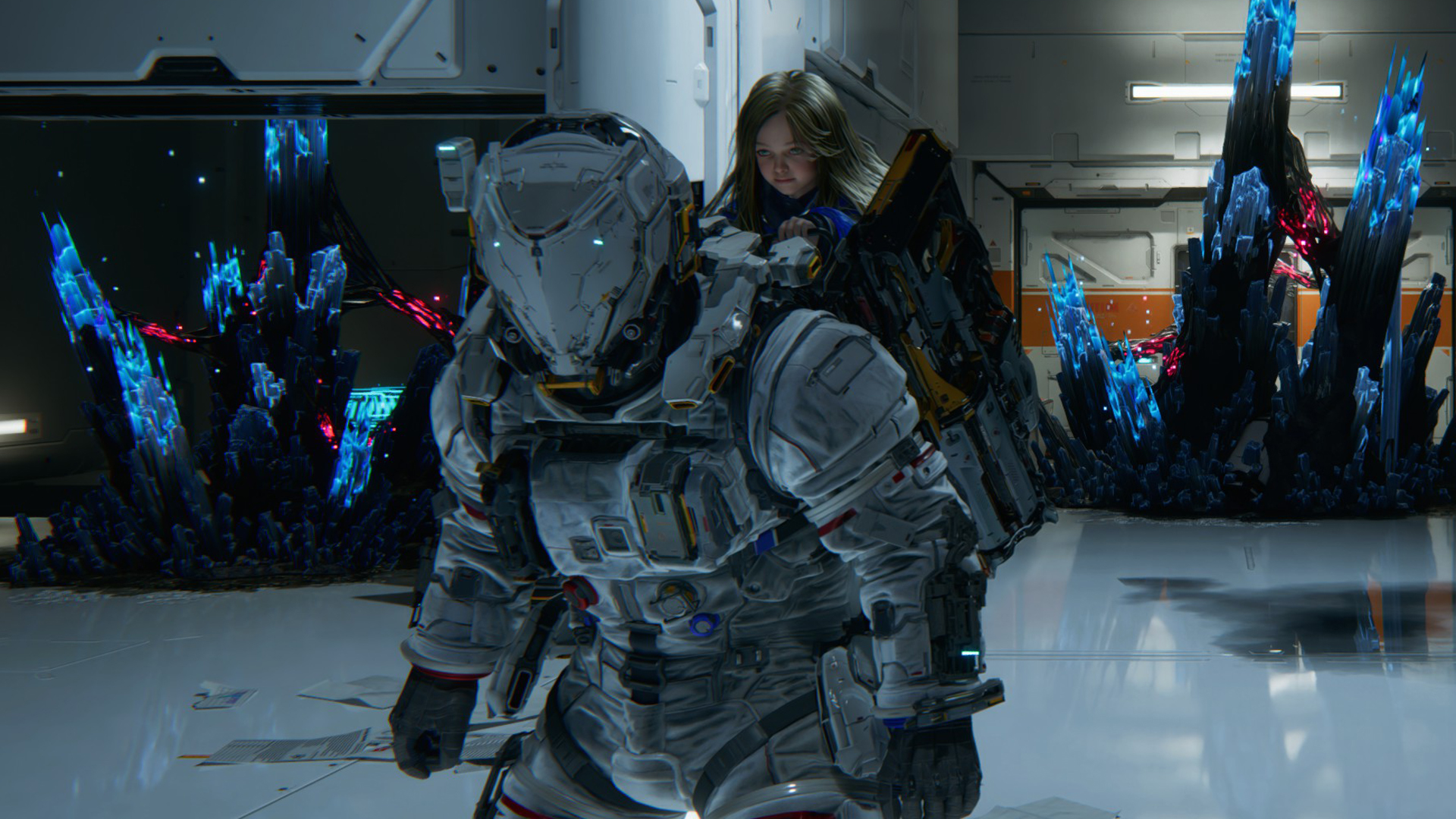
Pragmata PC screenshot used to illustrate the visual gain and performance cost of path tracing
PT is where Pragmata's lighting model starts to look like a flagship PC feature, but it is also where the hardware bill arrives.

// Performance Cost

Performance Cost

RT Is Relatively Light By Modern Standards

Tom's describes Pragmata's basic RT implementation as relatively easy on hardware compared to many recent PC games. That does not make it free, but it does explain why RT is the first "nice to have" step above raster instead of a total non-starter.

PT Is A Different Performance Class

Tom's is even more direct on PT: native path tracing is a very different beast, and NVIDIA's own launch messaging clearly assumes DLSS Super Resolution, Ray Reconstruction, and frame generation are part of the expected experience.

Real-World Playability Still Favors RT

PC Gamer's 4K testing on an RTX 5070 Ti found regular RT smooth enough to feel great with DLSS Balanced and 2x frame generation, while PT dropped performance into a much less comfortable range. That is exactly why this page treats PT as an enthusiast choice, not a default recommendation.

Practical reading: RT is a settings decision. PT is usually a whole-stack decision involving GPU tier, DLSS mode, frame generation tolerance, and whether you care more about fidelity than latency.

// GPU Fit

Best Use By GPU Tier

8GB Class

Raster First

Steam's baseline and recommended specs both live in the 6GB to 8GB class, but the official RT support line already jumps to 12GB cards. That is the clearest signal that 8GB rigs should default to raster and only flirt with RT cautiously.

Best fit: 1080p, performance-minded settings, RT off first.

12GB Class

Selective RT Territory

Steam explicitly names the RTX 3060 12GB and RX 6700 XT 12GB as the requirement tier for RT support. This is the cleanest class for players who want to experiment with RT without pretending PT is a free upgrade.

Best fit: 1080p or 1440p with realistic expectations and upscaling available.

16GB+ RTX Class

PT Starts Making Sense

NVIDIA's launch article positions PT around GeForce RTX 50-series hardware and DLSS assistance, while Tom's shows how much heavier native PT is than standard RT. That does not mean 16GB magically makes PT easy, but it is the first class where the overall proposition becomes realistic.

Best fit: image-quality-first play with DLSS, Ray Reconstruction, and frame generation already accepted.

// Practical Choice

When Raster Is Still Better

Raster Wins When You Want Simplicity

  • You want stable frame rates first. Raster is still the easiest way to get there.
  • You are on non-RTX or lower-VRAM hardware. The official RT step-up already hints that not every card should chase lighting features.
  • You dislike frame generation trade-offs. PT especially assumes a tolerance for those compromises.

Raster Also Avoids Some RT/PT Weirdness

  • Standard RT can introduce weaker-looking reflections. Tom's calls some of them faint and blobby.
  • PT is not artifact-free. Tom's notes that some translucent displays and reflective textures can get smeary with the PT plus Ray Reconstruction stack.
  • Not every scene needs the extra cost. PC Gamer's take is basically that regular RT already looks good enough for sane people.

// Related Guides

Continue With Related Pages

// FAQ

RT vs PT FAQ

Should I use ray tracing or path tracing in Pragmata?

For most PCs, standard ray tracing is the more practical ceiling and raster is still the safer baseline. Path tracing looks better, but current benchmark and vendor guidance both treat it as a high-end mode that leans on DLSS and frame generation.

Is ray tracing expensive in Pragmata?

Yes, but it is much lighter than path tracing. Tom's Hardware describes Pragmata's standard RT implementation as relatively easy on hardware compared to many recent titles.

Does path tracing need DLSS or frame generation in Pragmata?

Practically, yes for most players. NVIDIA's own PT launch guidance and independent benchmark coverage both frame Pragmata's path tracing mode around DLSS, Ray Reconstruction, and frame generation support.

When is raster still the better choice?

Raster is still the better choice when you want the easiest route to stable performance, lower latency, broader hardware compatibility, or simply do not think the image gain from RT or PT is worth the extra cost.